
Listen and identify
Watch a live spectrogram and see calls appear with photos and confidence labels. Replay a detection and correct a mistaken match.
Listen to the wildlife around you, recognise its calls, and build your Wild Dex. Identification runs on your iPhone, iPad, or Mac.
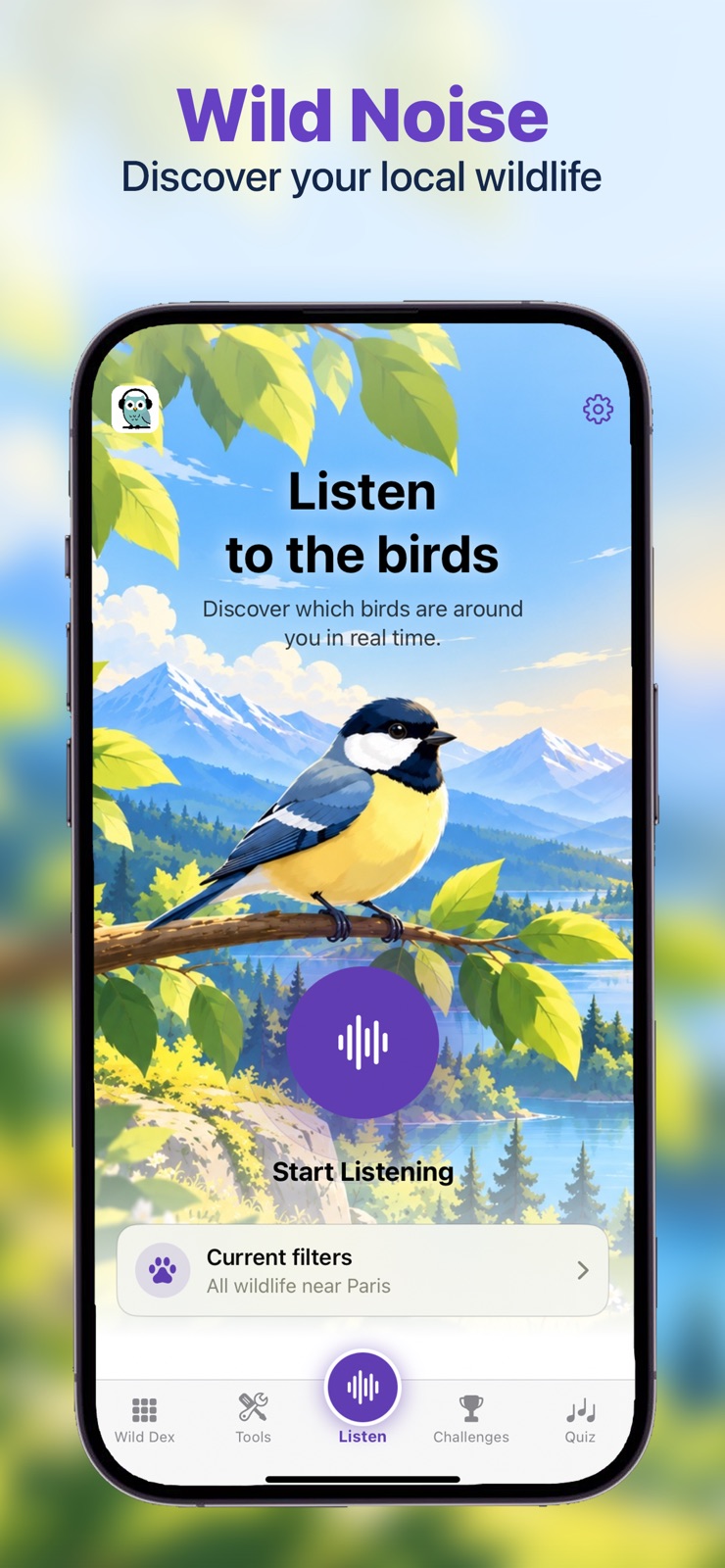
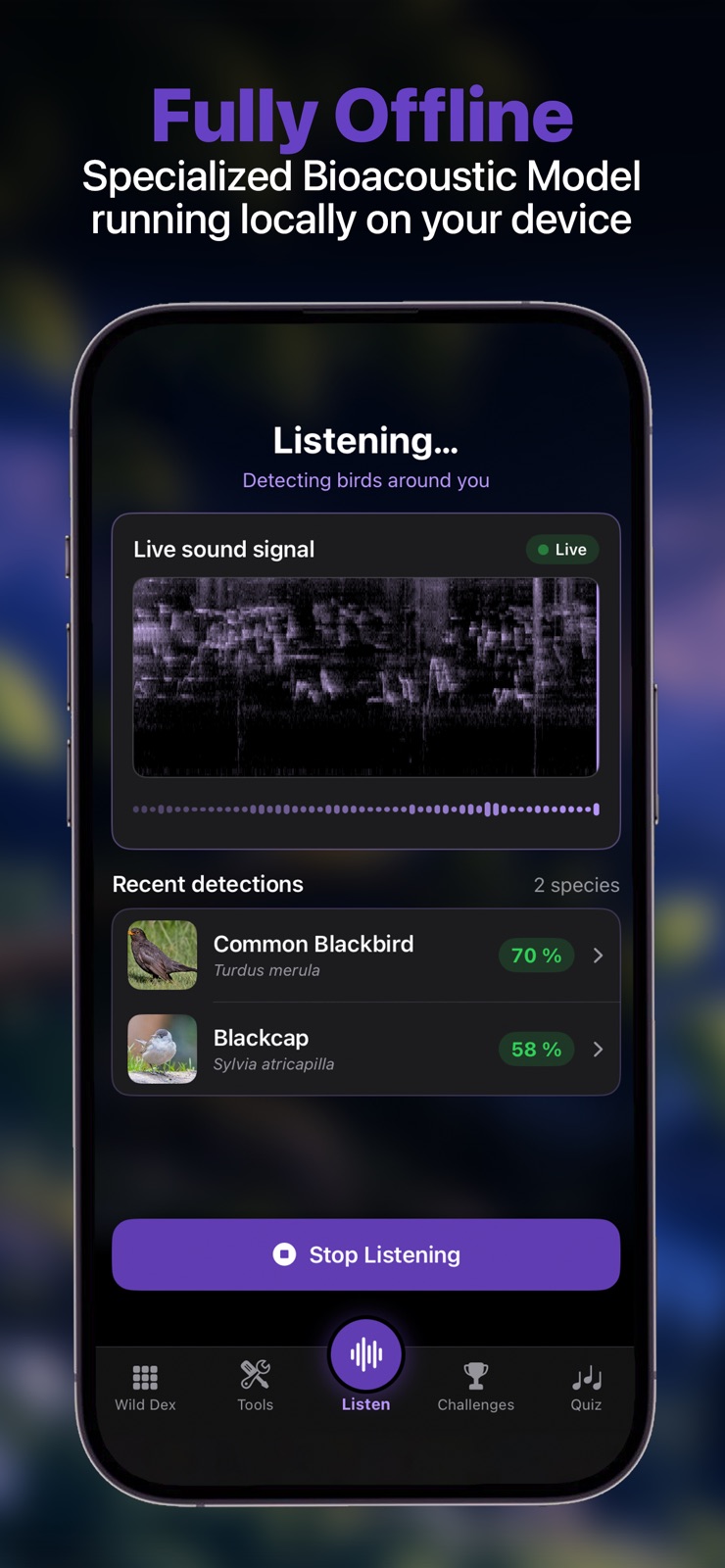
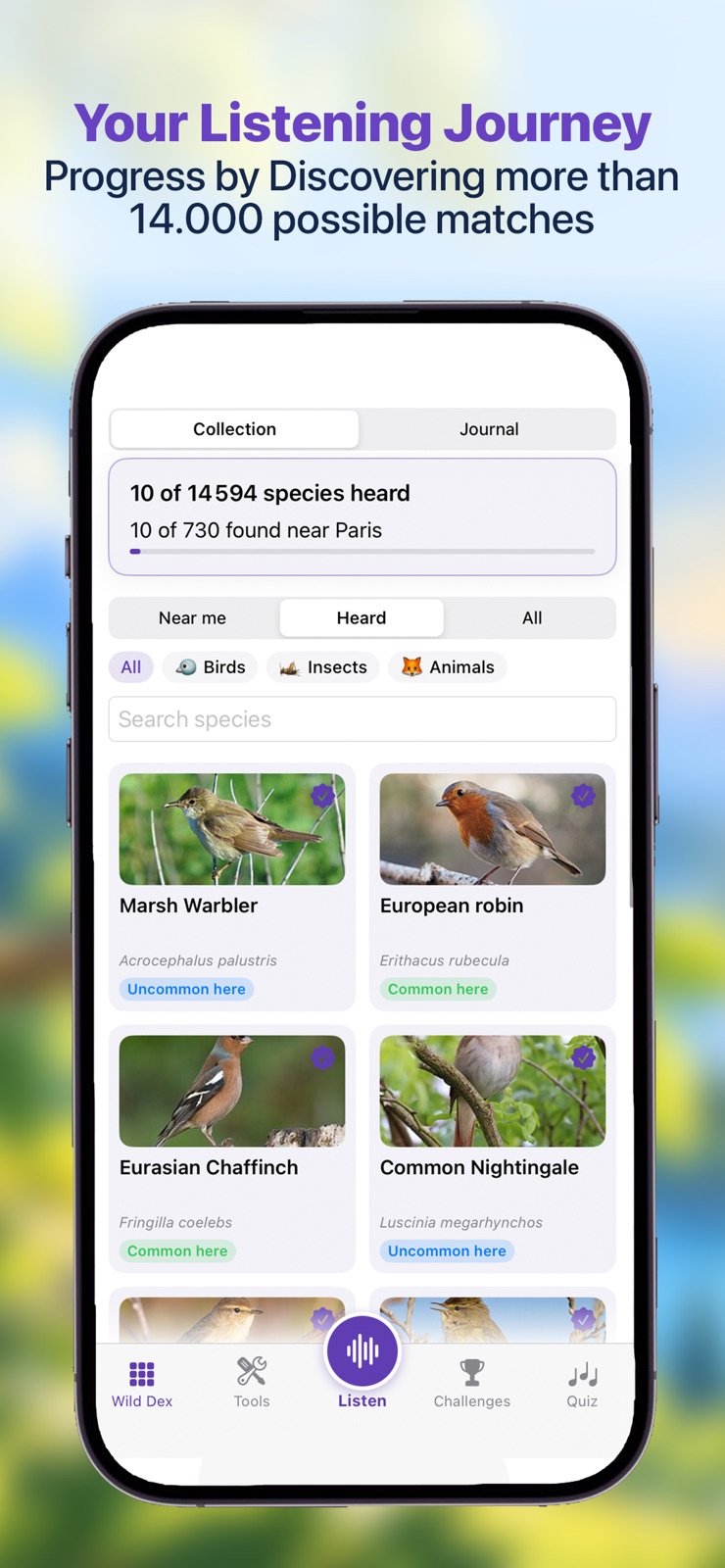
Watch a live spectrogram and see calls appear with photos and confidence labels. Replay a detection and correct a mistaken match.
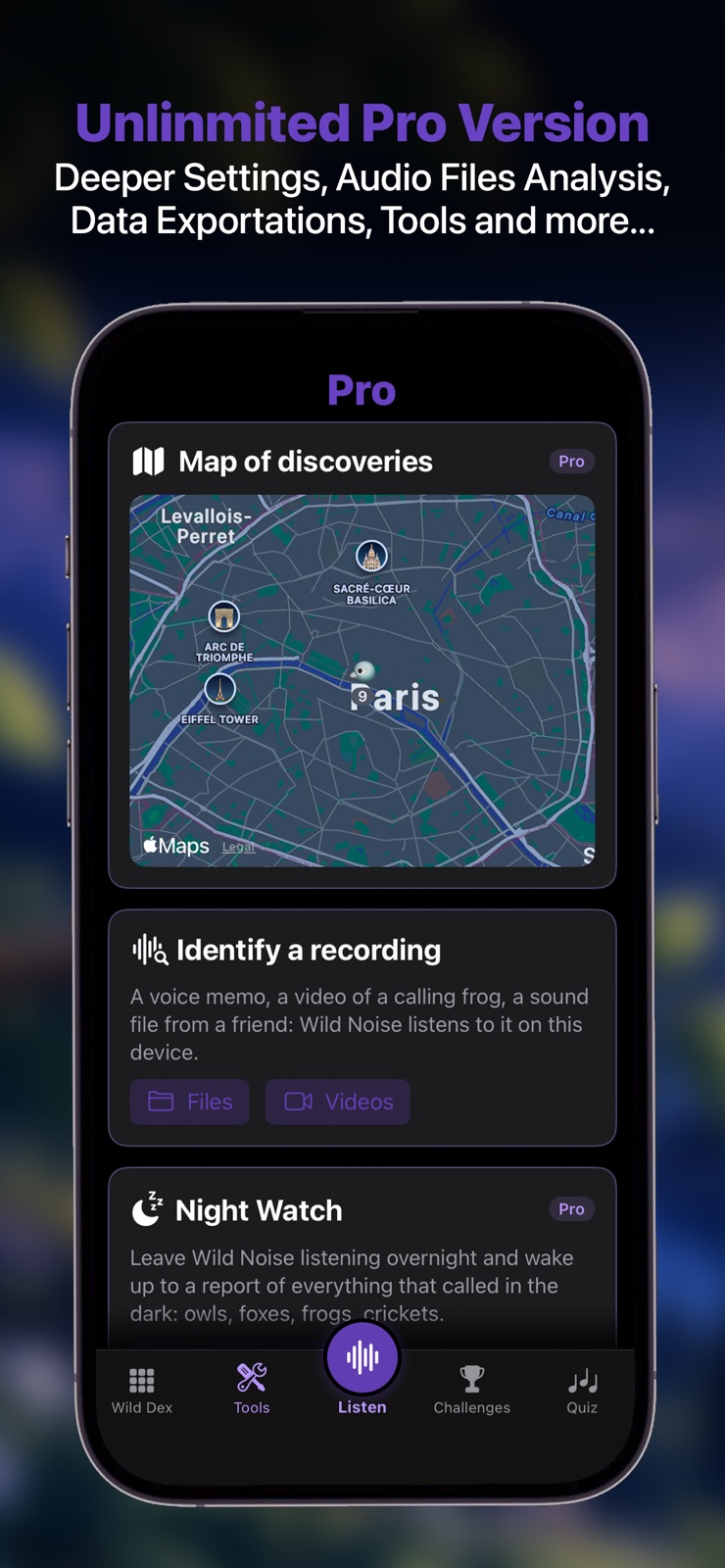
Collect discoveries in a searchable journal. Near me filters species for your place and season using biodiversity records stored on the device.
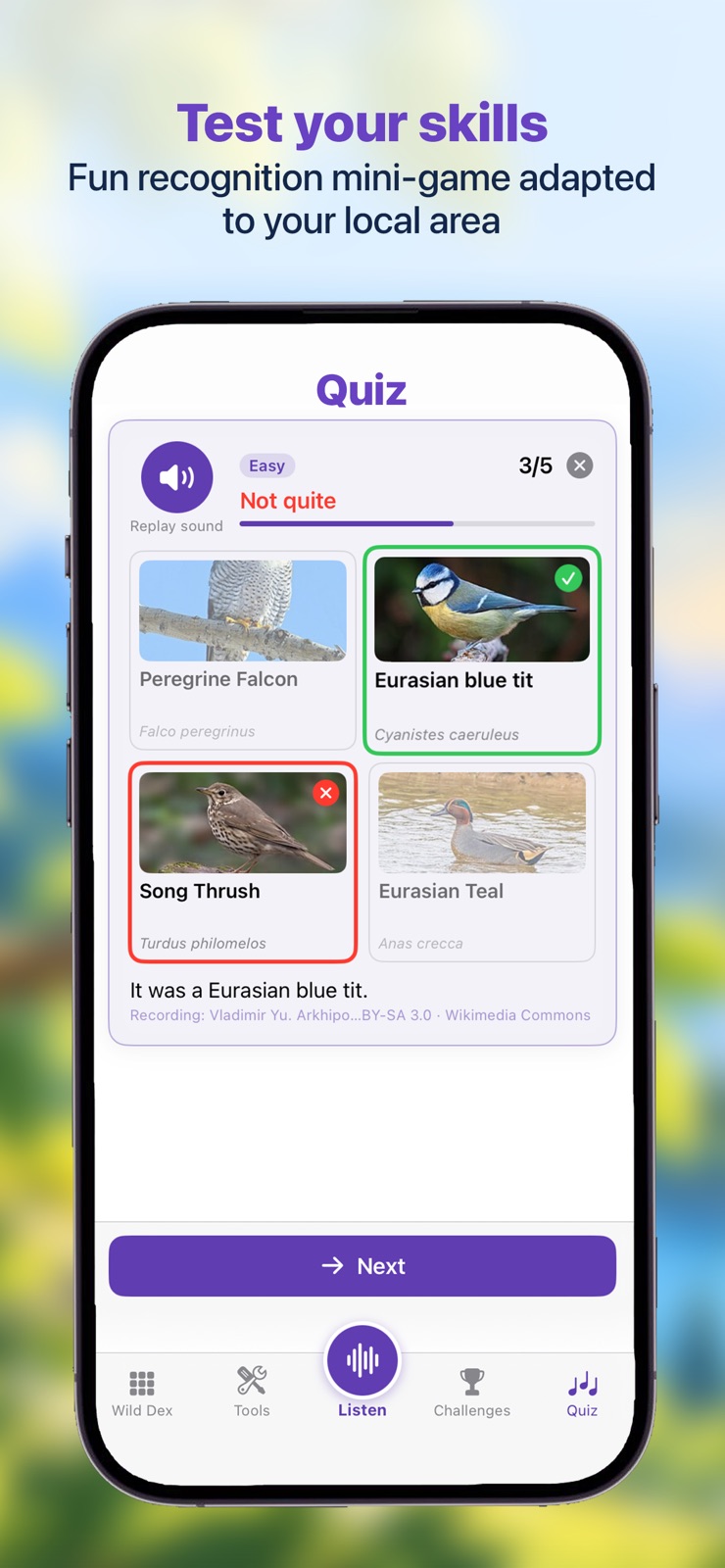
Listen to a call and choose its singer. Start with local birds on Easy, then unlock harder quizzes with Pro.
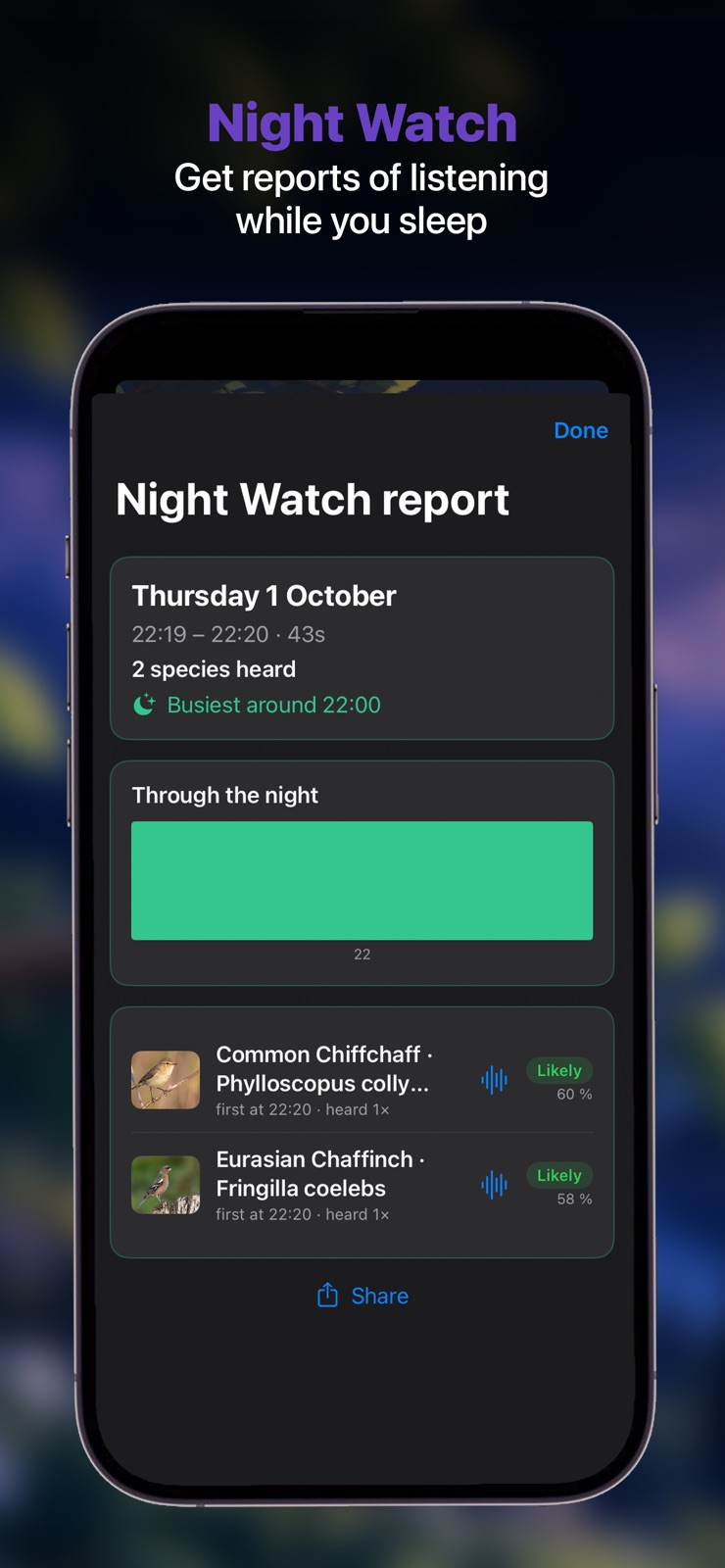
With Pro, leave the app listening overnight and wake up to a report showing which animals called and when.
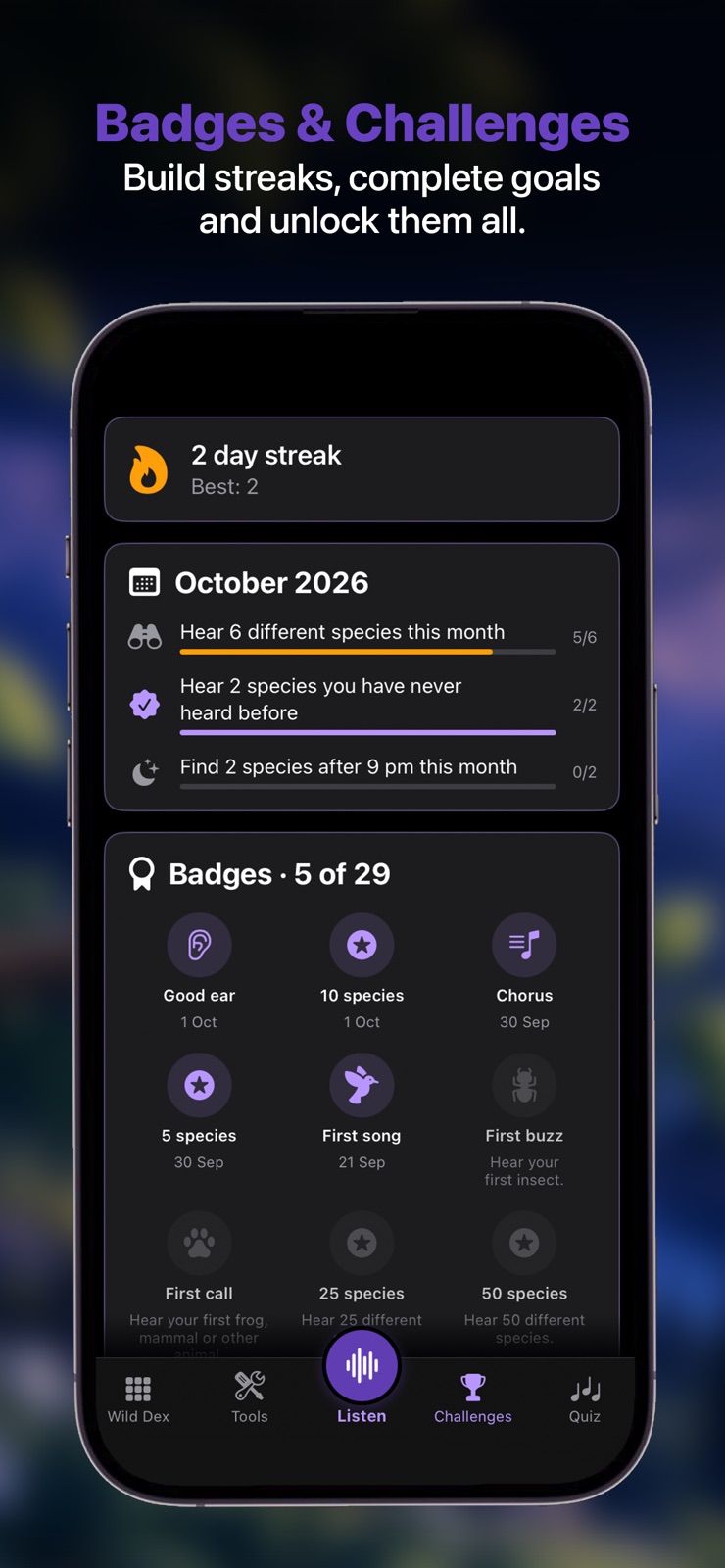
Keep a discovery streak, complete seasonal challenges, and earn badges for wildlife discoveries and quiz progress.
Sync your journal and progress with iCloud. Start listening from widgets, Siri, or Shortcuts, and import recordings to identify.
Free includes five minutes of daily listening, one imported recording a day, the Wild Dex, Easy quizzes, challenges, and badges.
Pro adds unlimited listening and file analysis, Night Watch, the discovery map, harder quizzes, recording retention, and exports. One purchase covers iPhone, iPad, and Mac; there is no subscription.
Audio is analysed locally. Journal entries, Night Watch reports, badges, and quiz progress can follow you through your iCloud account. There are no ads, trackers, or Shotgames accounts.
Identifications are estimates. Use the confidence labels and reference calls as guides, and verify important sightings.
Full policy: Privacy.